
Marketing and Social Media Toolkit
Disclaimer: These free tools, templates and calculators are provided for general guidance only and do not constitute legal, financial, tax or other professional advice. Figures, rates and regulations change, so always check that any information is current and suitable for your own business before relying on it. Contract and terms templates should be reviewed by a suitably qualified adviser before use. Content produced using our AI tools should always be checked for accuracy. Trade Skills Hub Academy accepts no liability for any loss arising from use of these tools, except where such liability cannot be excluded by law.
Free Marketing Toolkit for Tradespeople
Written for the UK trade scenario. The principles apply in most English-speaking countries.
Most tradespeople know they should be marketing their business. The problem is time. Nobody wants to sit in front of a blank screen at 9pm trying to write a Facebook post, work out Google Ads or design a leaflet.
This free marketing toolkit removes that problem. It gives you step-by-step guides, ready-written templates, checklists and spreadsheets built specifically for trade businesses: electricians, plumbers, builders, cleaners, gardeners, window cleaners and every other trade that relies on local customers.
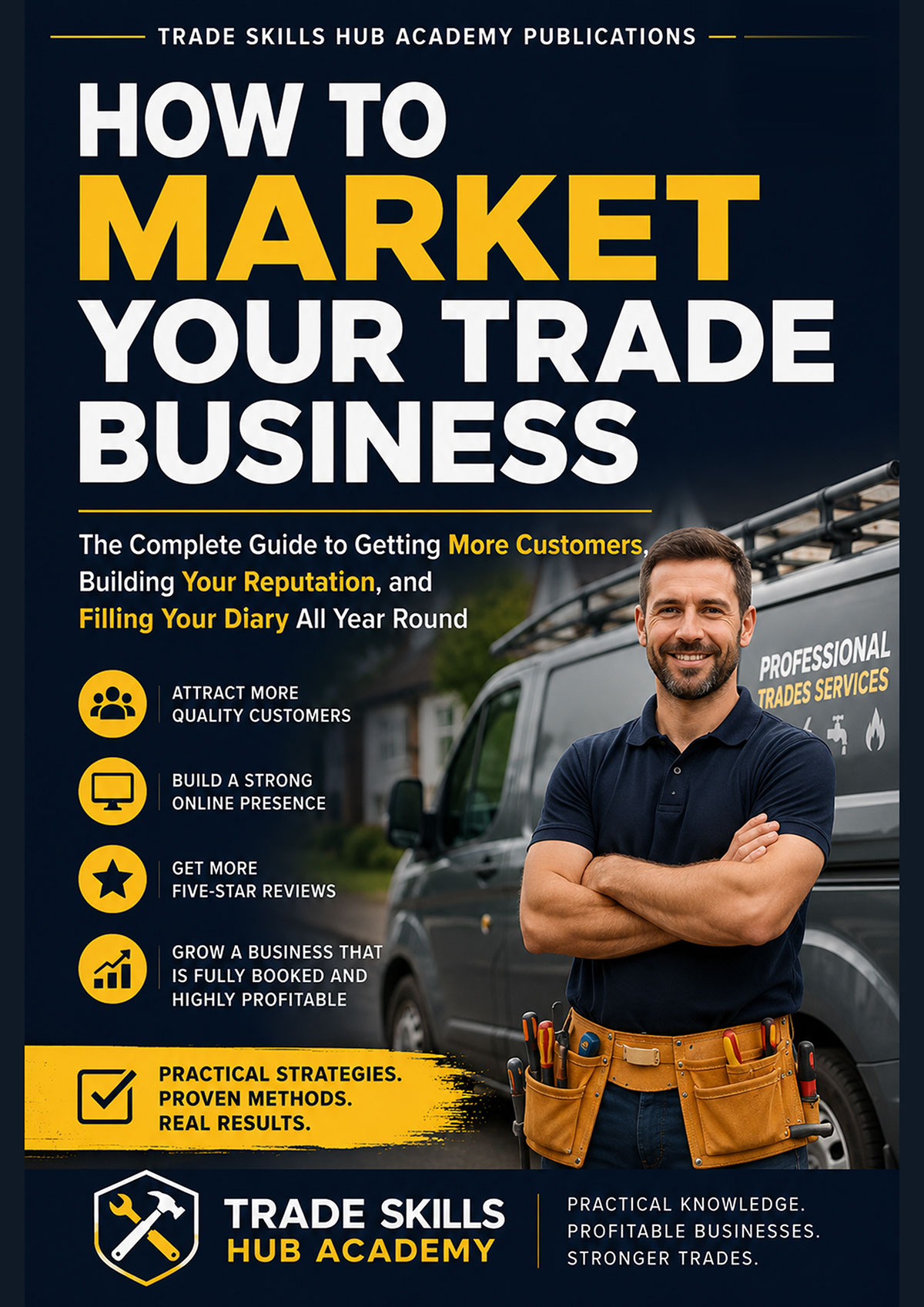
Everything here accompanies the book How to Market Your Trade Business. The book explains why each marketing activity works. These tools show you how to do it, and give you the templates to do it quickly.
All the tools are free. Fill in the short sign-up form once and you get access to every free tool on the site.
What is in the free marketing toolkit?
The toolkit comes in three downloads:
1. Practical Step-by-Step Marketing Guides
43 beginner-friendly guides across eight sections
2. Bonus Marketing Tools
Six ready-to-use templates, checklists and spreadsheets
3. AI Prompt Library
All 66 AI prompts from the book, available as a separate download
Download 1: Practical Step-by-Step Marketing Guides
Think of these as your marketing workshop manual. Each guide assumes no previous experience and walks you through the job from start to finish. Every guide includes the estimated time to complete, expected costs, a difficulty rating, step-by-step instructions, practical tips and a completion checklist so you know the job has been done properly.
A. Social Media Setup Guides for Trade Businesses
Six guides to setting up business accounts on Facebook, Instagram, TikTok, YouTube, LinkedIn and Google Business Profile, so local customers can find you and contact you online.
B. Creating Visual Content
Seven guides to producing professional-looking branding, leaflets, business cards, a van livery brief, social media templates, before-and-after photos and short videos using nothing more than your phone and the free version of Canva. No design experience needed.
C. Paid Advertising Setup Guides
Five guides to setting up Google Local Services Ads, Google Search Ads, Facebook lead ads, boosted Facebook posts and Microsoft/Bing Ads, without wasting your advertising budget on the common mistakes that catch most tradespeople out.
D. Website and SEO Guides for Tradespeople
Six guides to building a trade website on Wix or Squarespace, researching the keywords your customers search for, writing and optimising service pages, and measuring your results with Google Analytics and Google Search Console.
E. AI Tools Guides
Seven guides to choosing an AI tool and using it to write social media posts, adverts, website pages, emails and review replies, and to create marketing images, while keeping your own voice and checking everything before it goes out.
F. Third-Party Services and Outsourcing
Six guides to getting marketing work done by other people, covering Fiverr, Upwork, PeoplePerHour, local agencies, Canva template libraries, printing companies and virtual assistants, so you stay in control and get value for money.
G. Email Marketing and CRM Tools
Three guides to setting up Mailchimp or MailerLite for customer emails, and choosing a simple CRM system to track enquiries, quotes and repeat work.
H. Review and Reputation Tools
Three guides to getting more Google reviews using a QR code review card and text message review requests, and to claiming and improving your Yell listing.
Download 2: Bonus Marketing Tools
These are working tools. Add your business details and use them straight away.
AI Prompt Library
All 66 AI prompts from How to Market Your Trade Business in one place, organised by chapter. Copy a prompt, add your details, and paste it into ChatGPT, Claude or Gemini to produce social media posts, adverts, website content, emails and customer replies in minutes.
Email Templates Pack for Tradespeople
Eight ready-written marketing emails, including review requests, referral requests, a welcome email, seasonal reminders and emails to win back past customers. Each one comes with a subject line and advice on when to send it.
Google Business Profile Optimisation Checklist
Your Google Business Profile is often the first thing a local customer sees. This tick-box checklist covers categories, services, photos, posts, reviews, Q&A and monthly performance checks, plus the main factors that decide where you appear in local search results.
Leaflet, Van and Workwear Design Pack
Step-by-step design guides for an A5 leaflet (front and back), van signwriting and branded workwear. Recreate the designs yourself in Canva, or hand them to your printer, signwriter or embroiderer as a ready-made design brief.
Marketing Calendar (Excel)
A 12-month marketing planner, already filled in with suggestions, for scheduling emails, leaflet drops, advertising budgets and social media themes. It includes a seasonal demand profile so you can plan around your busy and quiet months, and a quarterly review sheet.
Enquiry Tracker (Excel)
Most tradespeople have no idea which marketing actually brings in work. The Enquiry Tracker fixes that. Log every enquiry and it automatically builds a summary by source, showing quotes sent, jobs won, revenue, conversion rate and cost per job. You will see exactly which marketing is paying for itself and which is wasting your money.
Download 3: AI Prompt Library
If all you want is the AI prompts, download the AI Prompt Library on its own. It contains all 66 prompts from the book, ready to copy, customise and paste into your AI tool of choice.
How to get the best results from these tools
The tools are designed to work alongside the book, not replace it. The best approach is simple:
- Read the relevant chapter of How to Market Your Trade Business to understand the strategy.
- Open the matching guide, template or spreadsheet.
- Put it into practice, then use the Enquiry Tracker to measure what works.
Online platforms change their menus and layouts regularly, so some screens may look slightly different from those described. The processes themselves stay largely the same.
Get the book: How to Market Your Trade Business
The free tools show you how. The book shows you why, and which marketing to focus on first so you do not waste time or money. It covers social media, Google Business Profile, websites and SEO, paid advertising, leaflets, reviews, referrals, email marketing and using AI, all written for people who run a trade business rather than a marketing department.
Frequently asked questions
Yes. Every tool on this page is free. You fill in one short sign-up form and it gives you access to all the free tools on the Trade Skills Hub Academy website, not just the marketing toolkit.
No, the tools can be used on their own. They work best alongside How to Market Your Trade Business, because the book explains the strategy behind each tool.
Any trade business that relies on local customers, including electricians, plumbers and heating engineers, builders, roofers, cleaners, gardeners, window cleaners, pressure washers and car valeters.
No. Every guide is written for beginners and explains each step in plain language. The design guides use the free version of Canva.
The guides and templates are PDFs. The Marketing Calendar and Enquiry Tracker are Excel spreadsheets, which also open in Google Sheets and most other spreadsheet programs. The AI prompts work in ChatGPT, Claude, Gemini and similar tools.
Yes. The prompts are written to work with ChatGPT, Claude and Gemini, and will work with most other AI writing tools.