
Estimating Guide Toolkit
Disclaimer: These free tools, templates and calculators are provided for general guidance only and do not constitute legal, financial, tax or other professional advice. Figures, rates and regulations change, so always check that any information is current and suitable for your own business before relying on it. Contract and terms templates should be reviewed by a suitably qualified adviser before use. Content produced using our AI tools should always be checked for accuracy. Trade Skills Hub Academy accepts no liability for any loss arising from use of these tools, except where such liability cannot be excluded by law.
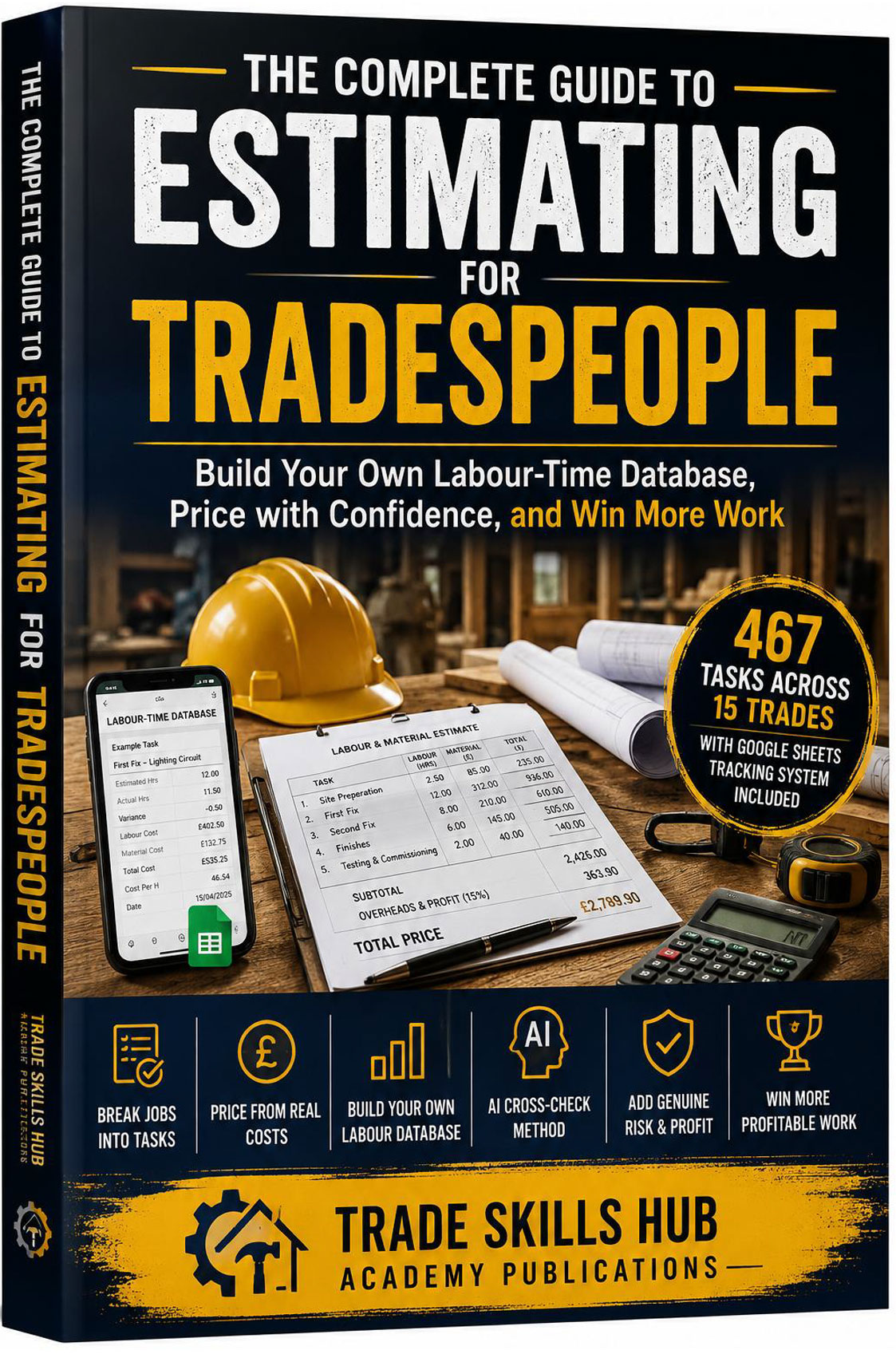
Your Free Estimating Toolkit
Every tool on this page goes with The Complete Guide to Estimating for Tradespeople. If you have the book, this is where the templates, prompts and database it refers to are kept. If you don’t have the book, the tools are still free, and they will still help you price jobs more accurately.
What's in the toolkit
There are three parts to the toolkit:
Estimating templates and reference tools
14 ready-to-use documents, from task breakdowns
to quotation templates.
AI Prompt Builder guides
6 step-by-step prompts for checking your estimates with an AI tool.
Your personal labour-time database
a free Google Sheet that records how long your jobs really take.
How to get the toolkit
Fill in the short sign-up form once and you get access to every free tool on the site, not just this page.
1. Estimating Templates and Reference Tools
These are the blank templates and quick-reference sheets from the appendices of the book, as editable Word documents. Fill them in on screen, or print them for use on site.
| No. | Resource |
|---|---|
| 1 | Task Breakdown Template — list every task on a job before you price anything. |
| 2 | Labour Rate and Charge-Out Rate Calculator — work out your own hourly charge-out rate from your real costs. |
| 3 | Material Take-Off Template — with waste and pack-size rounding applied before mark-up. |
| 4 | Mark-Up vs Margin Quick Reference — stop confusing the two, one of the most common pricing mistakes in the trade. |
| 5 | Overheads Worksheet — list every running cost so none of them come out of your profit. |
| 6 | Risk and Contingency Rate Guide — set contingency based on real job risk, not habit. |
| 7 | Master Task Library Summary — the 467 tasks across 15 trades that the database is built on. |
| 8 | Trade-by-Trade Quick Reference Index — find the trade you need in the book. |
| 9 | Blank Quotation Template — a complete quotation structure, ready to fill in. |
| 10 | Follow-Up Email and Loss-Reason Templates — wording for chasing quotes and finding out why you lost a job. |
| 11 | Estimate vs Actual Record — compare what you estimated with what the job really took. |
| 12 | Glossary of Estimating Terms |
| 13 | Staged Payment Schedule Templates — three payment structures for different sizes of job. |
| 14 | Personal Labour-Time Database Setup Guide — step-by-step instructions for Section 3 below. |
2. AI Prompt Builder — Estimating Prompts
AI tools can give you a useful second opinion on an estimate, but only if you ask the right question and check the answer. These six guides give you the exact wording to use, with worked examples from the book.
Every prompt follows the same rule as the book: you work out your own figure first, and the AI checks your judgement. It never sets your price.
| No. | Resource |
|---|---|
| 1 | Prompt 1: Labour-Time Cross-Check — check your time for a task against an AI second opinion. |
| 2 | Prompt 2: Job Breakdown — find tasks missing from your list before you price the job. |
| 3 | Prompt 3: Materials Take-Off Check — find missing items, wrong quantities and too little waste allowance. |
| 4 | Prompt 4: Risk and Contingency Review — check your contingency is neither too low nor too high. |
| 5 | Prompt 5: Source Check — find out where an AI tool got its figures, and how far to trust them. |
| 6 | Prompt 6: Estimate vs Actual Review — find the tasks you always underprice, and the ones where you may be pricing yourself out of work. |
The prompts work with any AI chat tool. No paid subscription is needed.
3. Your Personal Labour-Time Database
No published price book knows how long a job takes you. Your own records do. This free Google Sheet lets you log estimated and actual hours on every job, using a quick form you can fill in on your phone. Over time it becomes your own labour-time reference, built from your own work.
- Covers 467 tasks across 15 trades.
- Takes about five minutes to set up, once.
- Your copy lives in your own Google account. Nobody else can see your figures.
Click the button below and choose “Make a copy”.
The full setup steps are in the Setup Guide included in the Section 1 download, and in Appendix N of the book.
About the book
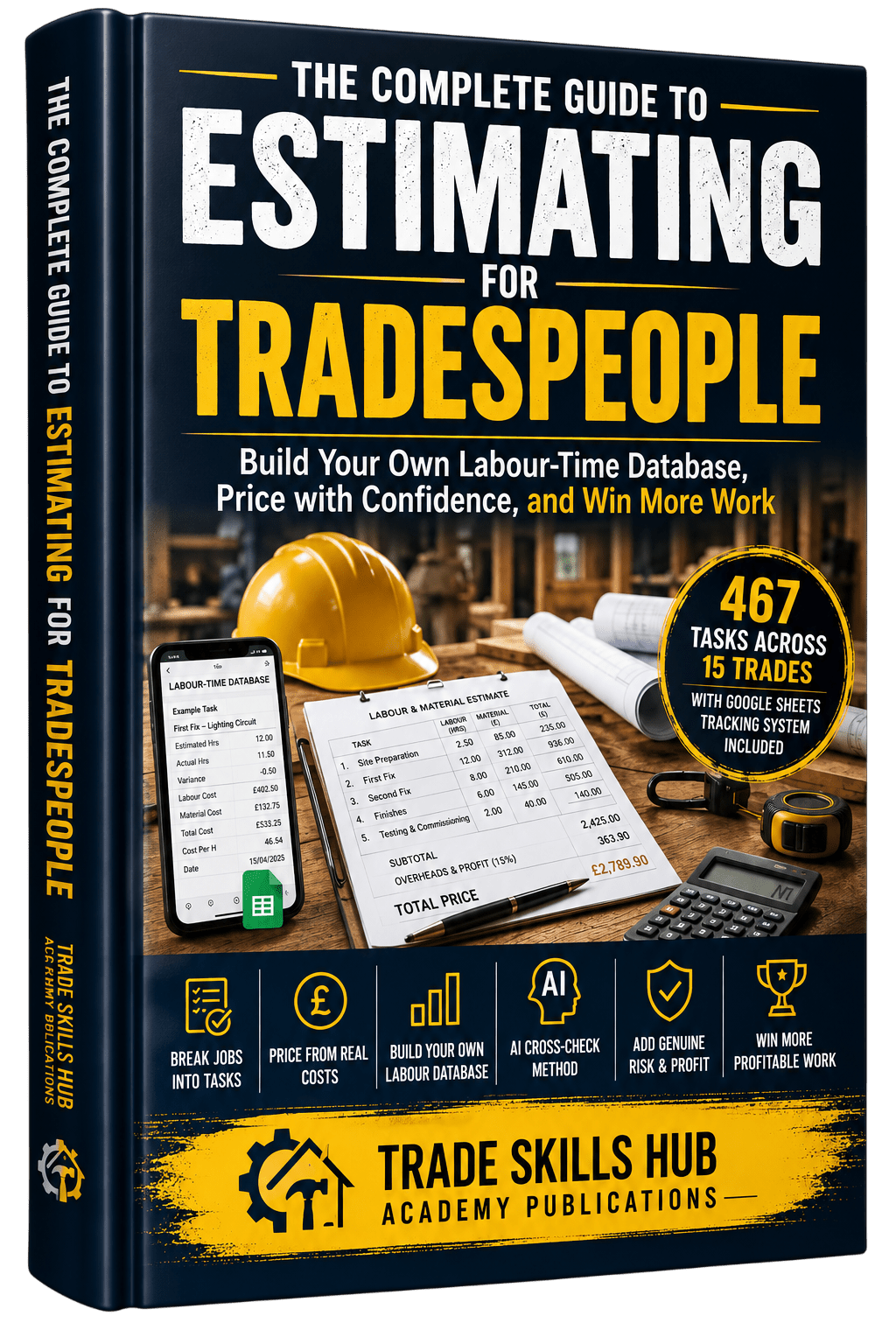
The Complete Guide to Estimating for Tradespeople takes you from breaking a job into tasks, through labour, materials, overheads and contingency, to a finished quotation. It includes worked estimates from a consumer unit change to a full property refurbishment.
Frequently asked questions
No. Every tool works on its own. The book explains the full method behind them, with worked estimates for 16 real jobs across different trades.
Yes. You fill in the sign-up form once and get access to every free tool on the site.
Electrical, plumbing and heating, carpentry and joinery, painting and decorating, plastering and drylining, brickwork and masonry, roofing, tiling, flooring, groundworks and landscaping, kitchen fitting, bathroom fitting, general building and handyman work, window and door installation, and insulation.
No, and they are designed not to. They check your own figures and point out anything you may have missed. The price is always your decision.
No. When you make a copy, it is saved in your own Google account and belongs to you.