BLOG
Free Risk Assessment Generator for Tradespeople: Create a Task-Specific Draft with AI
This guide is written around the UK trade scenario, but the estimating principles apply in most English-speaking nations.
Introduction
Every tradesperson carries out risk assessments in their head. You look at the ladder, the ground, the weather, the customer’s dog and the cable run, and you work out how to do the job without anyone getting hurt. The problem comes when a main contractor, a commercial client, a letting agent or a tender asks to see that assessment in writing.
Many small trade businesses respond by downloading a generic risk assessment and changing the name at the top. That document rarely matches the actual task, and anyone who reads it properly can tell. Our free Risk Assessment AI Prompt Builder helps you do better. You describe the task, select the hazards that may apply, and the tool builds a detailed prompt you can paste into ChatGPT, Gemini, Copilot or any other AI assistant to create a draft task-specific risk assessment.
Why Risk Assessments Matter for Trade Businesses
A risk assessment is not paperwork for its own sake. Its purpose is to make you think through a job before you start it: what could go wrong, who could be hurt, and what you will do to stop that happening. Done properly, it prevents accidents, protects your customers and the public, and protects your business.
In the UK, employers must carry out a suitable and sufficient assessment of the risks to their employees and anyone else affected by their work. Employers with five or more employees must also record the significant findings. If you are self-employed, you still have legal duties to protect other people affected by your work — customers, occupants, other trades and members of the public. (This is a summary of the position at the time of writing, not legal advice; check the current HSE guidance for your circumstances.)
There is also a commercial reason. Main contractors, facilities managers, local authorities and larger commercial customers routinely ask for risk assessments and method statements (RAMS) before they let you on site. Tender documents often ask for them too. If you cannot produce a clear, task-specific assessment, you can lose the work before you have even priced it.
Why Generic Risk Assessment Templates Fall Short
A generic risk assessment lists hazards that might apply to any job in your trade. It does not know whether you are working in an occupied home with young children, on a construction site with other trades, or at the side of a busy road. It does not know what access equipment you are using, what substances are involved or who else could be affected.
A risk assessment that does not match the task fails at the one thing it is supposed to do. It also looks bad to anyone checking it. Clients who review RAMS regularly can spot a copy-and-paste assessment in seconds, and it tells them you have not really thought about their job.
How the Risk Assessment AI Prompt Builder Works
The tool collects the information needed for a task-specific assessment and turns it into a detailed prompt with strict safety instructions for the AI. There are three steps:
- Complete the job details and select the hazards that may apply.
- Click “Create My AI Prompt” to generate your personalised prompt.
- Copy the prompt and paste it into your preferred AI assistant.
The AI then produces a draft risk assessment for you, as the competent person, to check against the real site and task.
What the tool asks you
- Your business name and trade or service
- The specific task or job being assessed
- The work environment — occupied or unoccupied domestic property, commercial premises, construction site, workshop, outdoor work area, public area, or a mixed environment
- How many people will carry out the work
- Who else could be affected — customers, occupants, other trades, visitors or members of the public
- The tools, equipment, access equipment or plant being used
- Any materials or substances involved, such as chemicals, paints, adhesives, fuels or dust-producing materials
- Controls already planned or in place
- Any other hazards or site-specific concerns
- Your preferred risk rating method
- Your emergency, first-aid and evacuation arrangements, if known
The hazard checklist
The tool includes a checklist of 21 common trade hazards. You tick only those that apply or may need checking on site: work at height, electricity, manual handling, slips and trips, dust and fumes, hazardous substances, power and hand tools, plant and machinery, vehicles and traffic, noise, vibration, fire and hot work, asbestos, confined spaces, excavations, lone working, the public and occupants, weather, falling objects, cuts and sharp edges, and biological hazards.
Choose your risk rating method
Different clients expect different formats. The tool lets you choose between a simple Low / Medium / High rating, a 5 x 5 likelihood and severity matrix, or a descriptive assessment with no numerical rating. If a main contractor has told you which method they want, select it here.
What Your Draft Risk Assessment Will Include
The prompt tells the AI to produce a risk assessment table with seven columns: hazard, who might be harmed, how harm could occur, existing or proposed control measures, initial risk, further action required, and residual risk.
After the table, the draft includes five further sections:
- Site-specific checks before work starts — the items you must check at the actual workplace.
- Additional assessments or information that may be required — such as COSHH information, asbestos information, manual handling assessments, equipment instructions, permits, electrical isolation arrangements or specialist competence.
- Emergency arrangements to confirm — first aid, evacuation and rescue.
- Briefing and communication — who needs to be told about the assessment and the key controls.
- Review — when the assessment must be looked at again, such as when the task, site, equipment or people change, or after an incident or near miss.
Built-In Safeguards: No False Certainty
The biggest danger with an AI-generated risk assessment is that it looks thorough while being based on assumptions. An AI cannot see the site. The prompt this tool creates tells the AI directly not to fill that gap with guesses. It instructs the AI to:
- Never invent site conditions.
- Never invent training, competence, licences, inspections, permits or supervision.
- Never assume equipment has been maintained, inspected or tested unless you have said so.
- Never assume electrical systems are isolated unless you have said so.
- Never assume asbestos is absent.
- Never assume hazardous substances are controlled without the relevant product and safety information.
- Never invent exposure limits or technical measurements.
- Flag specialist hazards — such as asbestos, confined spaces, work at height, electrical work, lifting operations, excavations and hot work — that may need a separate assessment or specialist controls.
- Flag vulnerable people who may need specific consideration, rather than making assumptions about them.
- Write “CONFIRM ON SITE BEFORE WORK STARTS” where a control depends on the actual site.
- Write “TO BE CONFIRMED BY COMPETENT PERSON” where there is not enough information to justify a risk rating.
That approach produces a draft that is honest about what it does not know — which is exactly what a good risk assessment should be.
The Hierarchy of Control: PPE Is the Last Resort
One of the most common weaknesses in trade risk assessments is relying on personal protective equipment (PPE) as the main control. Gloves, goggles and dust masks have their place, but they only protect the person wearing them, and only if they are the right type, fitted properly and worn every time.
Good practice follows the hierarchy of control, working from the most effective measures down:
- Eliminate the hazard — for example, do the work at ground level instead of at height.
- Substitute something less hazardous — for example, a water-based product instead of a solvent-based one.
- Use engineering controls — for example, on-tool dust extraction, edge protection or barriers.
- Use administrative controls — for example, safe systems of work, isolation procedures, signage and briefings.
- Use PPE to deal with the risk that remains.
The prompt tells the AI to prioritise removing or reducing hazards at source and not to present PPE as the primary control where stronger controls are reasonably available.
Important: A Document Does Not Make a Job Safe
This tool creates an AI prompt. The risk assessment the AI produces is a draft. An AI-generated risk assessment must never be treated as proof that a workplace is safe.
A competent person must review the actual task and workplace, confirm who may be harmed, check that the controls are suitable and in place, add site-specific information, and update the assessment when circumstances change. Complete every item marked “CONFIRM ON SITE BEFORE WORK STARTS” or “TO BE CONFIRMED BY COMPETENT PERSON” before work begins. Then brief everyone doing the work on the assessment — a risk assessment nobody has read protects nobody.
Using Risk Assessments to Win Commercial Work
Clear, task-specific risk assessments are one of the easiest ways to stand out from other small contractors. When a facilities manager or main contractor asks for RAMS and you send a document that obviously relates to their site and their job, you immediately look more professional than the competitor who sends a generic template.
- Keep a library of your assessments for tasks you carry out regularly, and adapt them for each new site rather than starting from scratch.
- Pair each risk assessment with a method statement that explains how you will carry out the work step by step.
- Include your RAMS in tender submissions where they are requested, and make sure they match the work described in the tender.
- Review and update them whenever your methods, equipment or team change.
Frequently Asked Questions
Yes. The tool is completely free to use. You only need access to an AI assistant, and most have a free version.
AI can produce a useful first draft, but it cannot inspect the site or see the real conditions. A competent person must check the draft against the actual task and workplace and confirm the controls before work starts.
A task-specific risk assessment looks at one particular job in one particular place, rather than your trade in general. It considers the actual hazards, the people who could be affected and the controls needed for that job.
A risk assessment identifies the hazards, who could be harmed and the controls needed. A method statement describes how the work will be carried out safely, step by step. Together they are often called RAMS.
If you are self-employed, you still have duties to protect other people affected by your work. Even where you are not required to write the assessment down, clients and main contractors will often ask to see one before you start.
Use the method your client or main contractor asks for. If they have no preference, a simple Low / Medium / High rating is easy to understand. A 5 x 5 matrix gives more detail and is common on construction sites.
Any trade or service business — electricians, plumbers, heating engineers, builders, roofers, decorators, landscapers, window cleaners, pressure washing and gutter cleaning businesses, and more.
Create Your Next Risk Assessment Today
A clear, task-specific risk assessment helps keep people safe, shows clients you take safety seriously, and helps you win commercial and tendered work. The Risk Assessment AI Prompt Builder gives you a structured, honest draft in minutes — ready for you to check, complete on site and put to work.
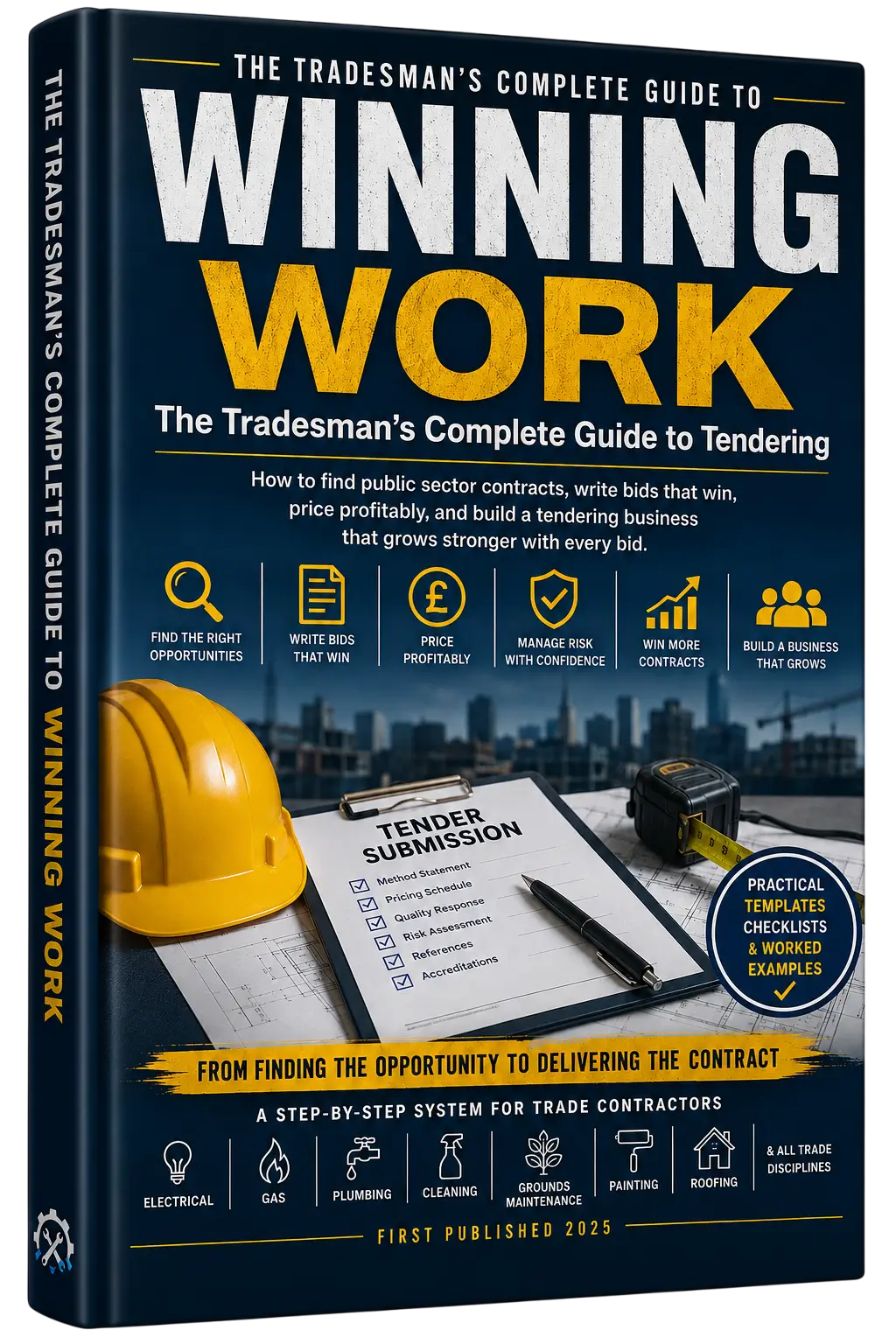
Need more trade-business documents and tender resources? Explore the Trade Skills Hub Academy guides, RAMS resources and the Winning Work toolkit.