
Profitable Trade Business
Disclaimer: These free tools, templates and calculators are provided for general guidance only and do not constitute legal, financial, tax or other professional advice. Figures, rates and regulations change, so always check that any information is current and suitable for your own business before relying on it. Contract and terms templates should be reviewed by a suitably qualified adviser before use. Content produced using our AI tools should always be checked for accuracy. Trade Skills Hub Academy accepts no liability for any loss arising from use of these tools, except where such liability cannot be excluded by law.
Free Pricing for Profit Toolkit
58 free calculators, worksheets, templates and checklists from The Complete Guide to Running a Profitable Trade Business
Most tradespeople who are short of money are not short of work. The problem is that they are charging too little, because they have never worked out what their business really costs to run. If you do not know your overheads, your van costs and how many hours you can actually bill, your hourly rate is a guess, and a guess is usually too low.
This toolkit gives you the tools to replace the guesswork with real figures. Work out what your business costs, set a charge-out rate that covers it, price your materials properly, send professional quotes, check whether each job made money and make sure you get paid. If you want a broader overview of pricing, costs and profitability, see the complete guide to running a profitable trade business.
The book explains when to use each tool, why each figure matters and what to do with the result. You can use the tools on their own, but you will get far more out of them alongside the book.
What's in the toolkit
17 calculators
Live Excel spreadsheets that do the maths for you
22 worksheets and templates
Word documents for working out costs, pricing jobs, quoting, invoicing and chasing payment
19 checklists
Tick-box checklists for quoting, site visits, month-end reviews, new staff and more
How to get the toolkit
Fill in the short form below and you will get access to every free tool on the Trade Skills Hub Academy website. That includes this toolkit and the free toolkits for our books on estimating, tendering and marketing. It costs nothing.
Where to start
If you have never worked out your charge-out rate properly, use these five calculators in this order. Each one gives you a figure you need for the next.
1. Personal Income Goal Calculator – what you need the business to pay you
2. Business Overhead Calculator – what the business costs to run
3. Van Running Cost Calculator – what your van really costs
4. Chargeable Hours Calculator – how many hours you can actually bill
5. Charge-Out Rate Calculator – the hourly rate that covers all of it, plus profit
Section 1 – Calculators
17 Pricing and Profit Calculators
These are live Excel spreadsheets. Type your own figures into the yellow cells and everything else works itself out. Change a figure and the results update straight away, so you can see what happens if your van costs go up, you take an extra week off or you raise your rate. They open in Microsoft Excel, and you can also open them in Google Sheets or LibreOffice Calc.
| No. | Calculator | What it is for |
|---|---|---|
| 01 | Business Overhead Calculator | Totals your yearly business running costs and shows how much overhead every working week, working day and billable hour must recover. |
| 02 | Charge-Out Rate Calculator | Takes you step by step from your overheads, vehicle costs, required income and chargeable hours to your break-even hourly rate and your charge-out rate including profit. |
| 03 | Chargeable Hours Calculator | Works out how many hours a year you can actually bill customers for once holidays, sick days, training, admin, travel and quoting time are taken out. |
| 04 | Day Rate Calculator | Works out your break-even day rate and a recommended day rate including profit, based on your income target, costs and the number of days you can realistically charge for. |
| 05 | Fuel Cost Calculator | Works out the fuel cost of a journey from the distance, your van's MPG and the fuel price, with weekly, monthly and annual totals and the fuel cost for a job. |
| 06 | Hourly Rate Calculator | Works out the minimum hourly rate you need to charge to cover your target income, overheads, vehicle costs and profit, based on the hours you can realistically bill. |
| 07 | Job Profit Calculator | Shows how much profit a job actually made once labour, materials, subcontractors, travel and a share of overheads are taken off the price, and whether it met your target margin. |
| 08 | Materials Mark-Up Calculator | Works out the selling price and profit when you add a mark-up to your material costs, and also works backwards from the profit margin you want to the mark-up you need. |
| 09 | VAT Calculator | Adds VAT to a net price, takes VAT out of a VAT-inclusive price, and gives a quick estimate of whether you owe VAT to HMRC or are due a repayment. |
| 10 | Gross vs Net Margin Calculator | Shows your gross profit and margin before overheads and your net profit and margin after overheads, so you can see whether a problem lies in your pricing or your overheads. |
| 11 | Labour Burden Calculator | A quick way to turn a basic hourly wage into a fully loaded hourly cost by adding a percentage for National Insurance, pension, holiday pay and other on-costs. |
| 12 | Labour Cost Calculator | Works out the true annual cost of an employee and their real cost per productive hour, including National Insurance, pension, paid leave and other costs, and suggests a charge-out rate for their labour. |
| 13 | Material Mark-Up Calculator | A quick way to turn the cost price of a material into the price you charge the customer by adding your mark-up percentage. |
| 14 | Mileage & Travel Cost Calculator | Works out the full cost of travelling to a job, including mileage, parking, tolls and the value of your travel time, so you can add it to your quote. |
| 15 | Personal Income Goal Calculator | Adds together the wage you want to draw, the profit you want the business to make and an allowance for growth to give your target annual income. |
| 16 | Tax & VAT Set-Aside Calculator | Works out how much of each payment you receive to move into a separate account for income tax, National Insurance and VAT, so the bills are never a surprise. |
| 17 | Van Running Cost Calculator | Works out the true cost of running your van per year, month, week, mile, working day and working hour, and how much van cost to add to a job. |
Section 2 – Worksheets and Templates
22 Worksheets and Templates
These are Word documents. Print them and fill them in by hand, or type straight into them and save your own copies. The quotation, terms and conditions, invoice and RAMS templates are ready to adapt with your own business name, logo and details, so every document you send looks professional and consistent.
Section 3 – Checklists
19 Checklists
These are tick-box checklists in Word. Use them to make sure nothing gets missed when you visit a site, send a quote, submit a tender, review your month or take on a new member of staff. Print them, keep them in the van or save them on your phone.
| No. | Checklist | What it is for |
|---|---|---|
| 01 | Business Owner Mindset | A self-assessment that checks whether you are running the business, knowing your figures, pricing, records and systems, rather than just doing the trade. |
| 02 | Charge-Out Rate Readiness | Makes sure you have every figure you need, including income target, overheads, vehicle costs, labour on-costs, chargeable hours and profit margin, before you calculate your charge-out rate. |
| 03 | Site Visit Assessment | Helps you assess the site factors that affect labour time, such as access, height, occupation, existing condition, weather and other trades, before you finalise an estimate. |
| 04 | Materials Price | Makes sure your material prices are current, with quantities, delivery, waste allowance and mark-up all included, before they go into a quote. |
| 05 | Quotation | Makes sure every quote is complete and professional, with a clear scope, inclusions and exclusions, itemised pricing, terms attached, dates and validity stated, and proofread before it is sent. |
| 06 | Home Visit | Guides you through a quoting visit to a customer's home, covering how you conduct yourself, what you inspect and how you explain the work, price and next steps. |
| 07 | Tender Compliance | Makes sure every mandatory document, such as insurance, accreditations, references and method statements, is ready and the tender is submitted exactly as instructed and before the deadline. |
| 08 | Daily Progress | A quick end-of-day review that checks the day's work, tomorrow's materials, any issues found, customer updates and site security to keep the job on track. |
| 09 | Monthly Profit & Loss | A monthly routine for working out your turnover, gross and net profit and margins, comparing them with previous months and spotting costs that have crept up. |
| 10 | Allowable Expenses | A list of the common business expenses tradespeople can claim, to go through with your accountant so you do not miss any. |
| 11 | Questions to Ask Your Accountant | A list of questions to put to your accountant on business structure, VAT, expenses, tax set-aside and deadlines so you get useful advice, not just a set of accounts. |
| 12 | Online Presence Consistency | Makes sure your business name, contact details, service area, photos and reviews are accurate and consistent everywhere a customer might find you online. |
| 13 | New Starter Induction | Makes sure the basics are covered on or before a new employee's first day, including contract, insurance, health and safety, PPE, standards expected and probation terms. |
| 14 | System Review & Refinement | A periodic check that your business systems are still used, simple to follow and up to date, and that new recurring tasks have a system. |
| 15 | Monthly Business Review | A monthly routine for reviewing your charge-out rate, cash flow forecast, profit and loss, overdue invoices, enquiry sources and any systems due for review. |
| 16 | What to Check Before Sending AI | A review to carry out before any AI-drafted content goes out in your business's name, checking it is accurate, specific to the job, sounds like you and did not involve entering sensitive customer information. |
| 17 | Template Personalisation | Makes sure each template is genuinely your own, with your branding and wording, no placeholder text left in, current prices and terms, and saved as a single master copy. |
| 18 | Checklist Review & Refinement | A routine for reviewing your checklists at least every six months so outdated ones are updated, unused ones are simplified or dropped and new ones are added where needed. |
| 19 | New Staff Training Pack | Guides you through introducing a new team member to your business's checklists, explaining why they are used, where they are kept and how to use them. |
| No. | Worksheet or Template | What it is for |
|---|---|---|
| 01 | Chapter 1 Reflection Worksheet | Three short questions to answer before you start the handbook, so you can see why you are reading it, what worries you most and which parts to use first. |
| 02 | Turnover vs Profit Worksheet | Shows the real difference between what your business invoices and what it actually keeps after materials, labour, vehicle and overhead costs. |
| 03 | Short, Medium and Long-Term Goals Template | Lets you write down your business goals for the next 3 months, the next 12 months and the next 2 to 5 years, ready to review every quarter. |
| 04 | Business Overhead Worksheet | Totals your fixed, variable and hidden overheads for the year, ready to feed into your charge-out rate calculation. |
| 05 | Vehicle Running Cost Table | Totals your vehicle's annual running costs and converts them into a cost per mile and a cost per working day. |
| 06 | Fully Loaded Labour Cost Worksheet | Works out the true annual and hourly cost of employing someone, including National Insurance, pension, holiday pay, training, PPE and non-productive time. |
| 07 | Task Breakdown Template | Breaks a job into separate tasks with quantities and time per unit, so the total labour hours are calculated rather than guessed. |
| 08 | Time Recording Sheet | Records the actual start and finish times on each job and task, so you can build your labour database from real figures. |
| 09 | Labour Adjustment Factors Worksheet | Adjusts a baseline time estimate up or down for the real conditions on a job, such as access, height, occupied premises, existing condition and weather. |
| 10 | Special Order Items Policy Template | Sample policy wording to attach to quotes for non-stock materials, covering deposit, lead times, changes after ordering and payment on delivery. |
| 11 | Consumables and Waste Allowance Worksheet | Calculates the waste allowance for each material and the consumables allowance for a specific job, to give a total materials figure. |
| 12 | Material Waste Allowance Table | A reference table of typical waste percentages by material type, such as tiles, flooring, paint, plasterboard and timber, to add to exact quantities when pricing. |
| 13 | Professional Quotation Template | A ready-to-adapt layout for a clear, itemised quote covering scope, prices, VAT, inclusions and exclusions, start date and validity. |
| 14 | Sample Terms and Conditions Template | A starting framework for the terms you attach to every quote, covering payment, cancellation, warranty, liability and variations, to be checked by a solicitor. |
| 15 | Generic RAMS Template | A basic risk assessment and method statement layout for commercial jobs, with hazards, control measures, work steps, PPE and emergency contacts. |
| 16 | Commercial Quotation Template | A formal quote layout for commercial clients, including purchase order reference, exclusions, a variations clause and payment terms. |
| 17 | Variation Pricing Worksheet | Prices extra or changed work, covering additional labour, materials and other costs, and records the customer's written agreement before the work goes ahead. |
| 18 | Itemised Invoice Template | An invoice layout that keeps the original job and each agreed variation separate, so the customer can see exactly what they are paying for. |
| 19 | Job Record-Keeping Template | A running log for each job of quotes, variations and key communications, to use as evidence if a dispute arises. |
| 20 | Overdue Invoice Chasing Sequence | A set of ready-written messages for chasing unpaid invoices at 7, 14 and 30 days after the due date, becoming firmer each time. |
| 21 | Review and Referral Request Templates | Ready-written messages asking satisfied customers for a review or a referral, plus a follow-up if they do not respond. |
| 22 | Master Template Review Schedule | A schedule for recording when each of your core templates was last reviewed and when the next review is due, so none of them go out of date. |
About the book
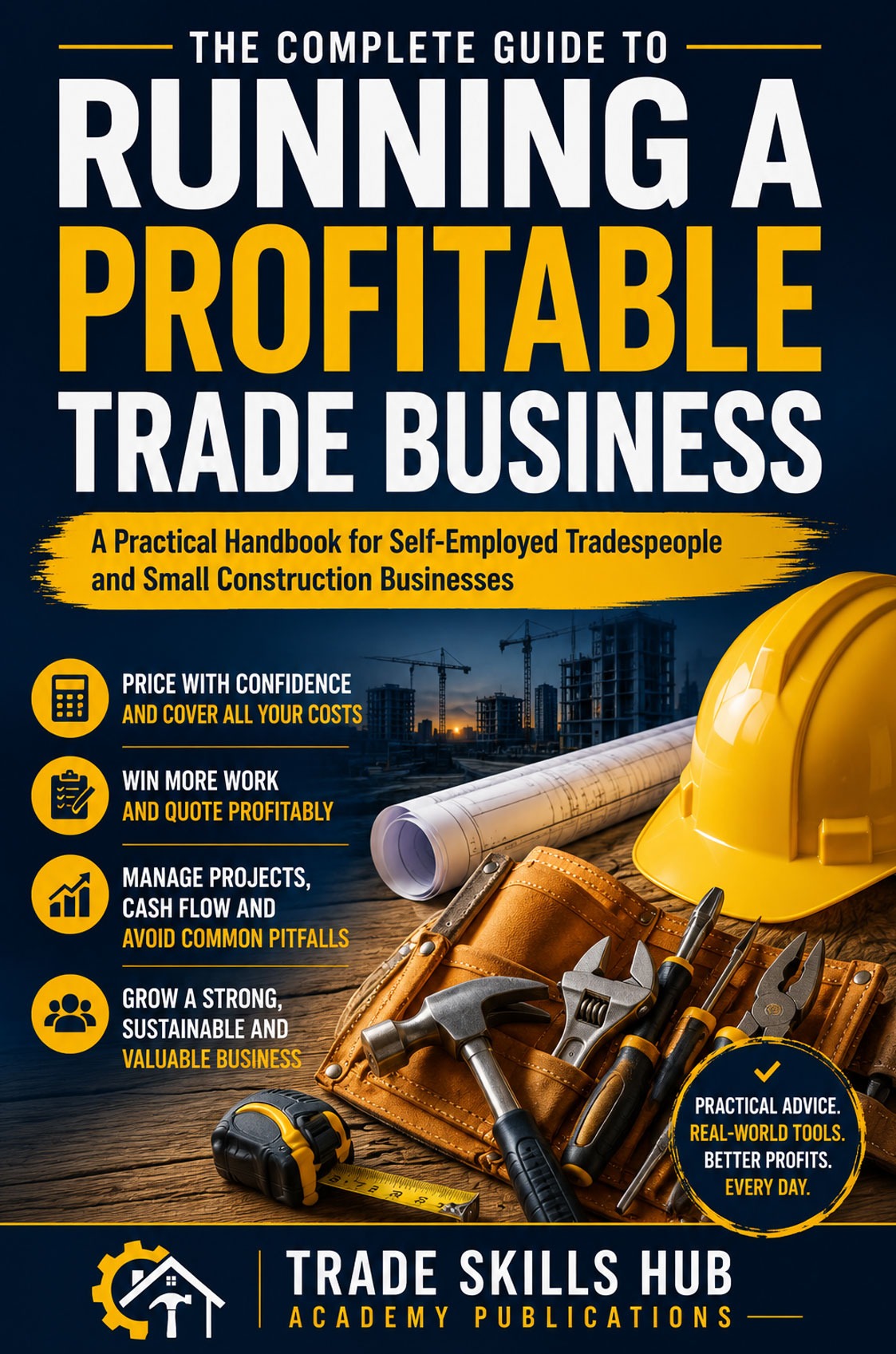
The Complete Guide to Running a Profitable Trade Business
A practical handbook for self-employed tradespeople and small construction businesses. It takes you through the whole of running a profitable trade business: working out your costs, calculating your charge-out rate, estimating labour, pricing materials, producing professional quotes, winning work, managing jobs, managing money and growing the business. For tradespeople starting or expanding their business, the trade business start-up guides provide related guidance on planning, pricing, marketing and growth.
The book is built around one simple idea: every decision in your business affects your profitability. The toolkit on this page gives you the tools to put that into practice.
Written by Paul Lewis, a time-served electrician with more than 40 years in the trade, who ran his own NICEIC approved electrical contracting business for over 20 years.
Frequently asked questions
Yes. Fill in the sign-up form once and you can download every tool on this page at no cost.
No. Each tool works on its own. The book explains how to use them and what to do with the results, so you will get more from them if you have it.
The calculators are Excel spreadsheets and the worksheets, templates and checklists are Word documents. If you do not have Microsoft Office, you can open them in Google Sheets and Google Docs, or in the free LibreOffice programs.
Yes. They are meant to be changed. Add your business name, logo, contact details, prices and your own wording, then save a master copy to use every time.
The tools are written for the UK, so they refer to VAT, National Insurance and HMRC. All the rates can be changed, and the principles of costing and pricing work the same anywhere. Put in the rates that apply in your country.
The rates in the calculators are examples, correct at the time of writing. Tax rates and thresholds change, so check the current figures before you rely on them.
These tools help you work out your own figures. They are not financial, tax or legal advice. Check tax and VAT figures with your accountant, and have your terms and conditions checked by a solicitor before you use them.